
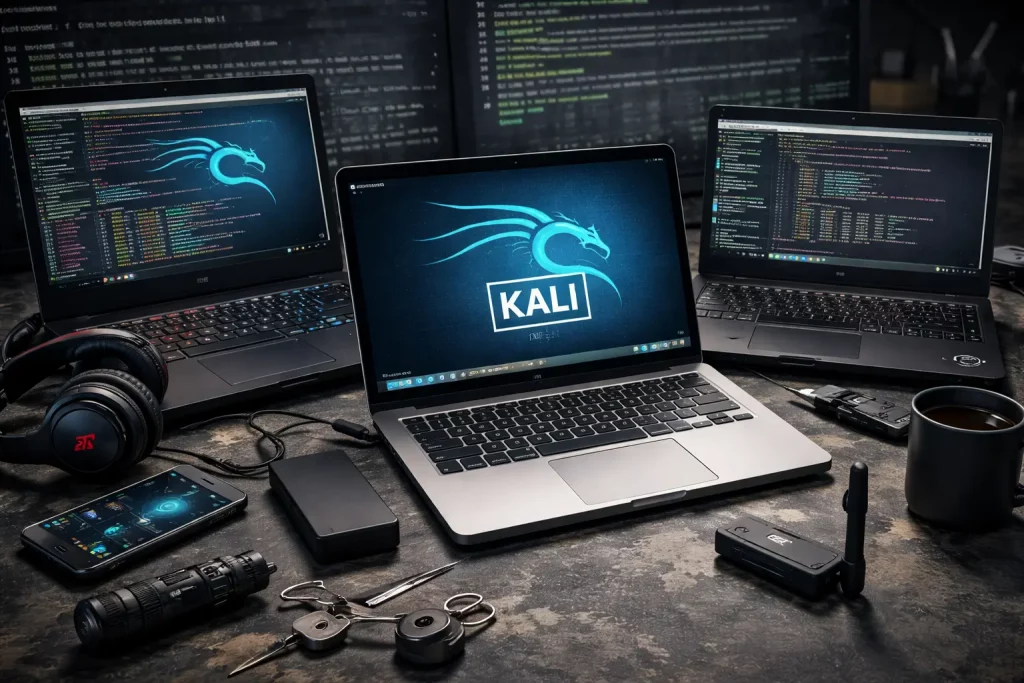
Hey, I’m Kayla. I break and fix things for work, but only where it’s allowed. I spend a lot of time with Kali Linux. I’ve tried it on more laptops than I want to admit. Some were great. Some were loud little space heaters.
Here’s what stuck with me, with real stuff I ran into on the road, in a cafe, and on a red-team week where I lived on cold brew and trail mix. You know what? Little things matter—like which Wi-Fi chip is inside or if the fan screams during a Zoom. If you’re hungry for even more Linux-focused hardware tales, the crew over at Freedom Penguin has a stash of deep-dive reviews worth bookmarking. That includes my own write-up on the laptops I actually use with Kali Linux, if you want still more nitty-gritty.
What I’m Covering (quick and simple)
- My daily driver: ThinkPad X1 Carbon (Gen 9)
- My fix-it toy: Framework Laptop 13 (12th Gen)
- Pretty but fussy: Dell XPS 13 (9310)
- Muscle machine: ASUS ROG Zephyrus G14 (2021)
- Cheap champ: ThinkPad T480 (used)
I also share what to look for if you’re shopping.
ThinkPad X1 Carbon Gen 9 — My “it just works” pick
I’ve hauled this thing through TSA, client sites, and coffee shops that smell like cinnamon and printer ink. Kali booted from a USB stick on the first try. Install was simple. No drama.
- Wi-Fi: Intel AX201 worked right away. No hunting for drivers.
- Ports: Not many, but USB-C plus a small hub kept me fine.
- Battery: I see 7–8 hours with notes, terminals, and a light web load.
- Keyboard: Typing feels real and steady. I love the little red nub.
- Screen: Bright enough for a window seat. Matte. No glare war.
What went wrong? Two things. The speakers popped after sleep a few times until I updated the kernel. Also, the fingerprint reader didn’t work for me in Kali. I didn’t need it, so I let it be.
One night, I used an Alfa AWUS036ACM over USB-C for a wireless lab. Plugged in. Blinked. Done. No hoops. That’s why I grab this one for travel. Quiet. Grown-up. Boring in a good way.
Framework Laptop 13 (12th Gen) — The tinkerer’s sweetheart
I built mine like a Lego kit: i5, 32 GB RAM, 1 TB NVMe, Intel AX210 Wi-Fi. I picked two USB-A modules, one USB-C, and one HDMI. I swapped parts on my coffee table with a tiny screwdriver and a cat watching. Fun.
Kali installed clean. Wi-Fi worked right away. I did a test with a USB Wi-Fi adapter and passed it through a VM too. No weird dropouts. The fan did ramp when I ran heavy tasks, but it cooled fast.
- Good: Fixable, upgradable, and friendly docs baked in the box.
- Battery: Around 6 hours with a normal day. Less under load.
- Quirk: The screen can wobble a hair on a bumpy train. Not a huge deal.
Why I keep it: field repairs. If a port goes bad or I need more storage that day, I can swap a module in minutes. That saved my butt once during a workshop when a student cable bent my port. I just switched modules and kept going.
Dell XPS 13 (9310) — Cute, but a bit high-maintenance
I wanted this to be perfect. So thin. So pretty. But the Wi-Fi card was a hassle. The unit I bought came with a Killer card that gave me flaky drops. I replaced it with an Intel 9260, and then things felt normal.
- Good: Great screen. Nice trackpad. Light in a backpack.
- Okay: Runs warm near the hinge with longer jobs.
- Quirk: I had to poke at brightness keys after install. Easy fix, but still.
On a client week, the fan spin got old in quiet rooms. I ended up using it more as a Windows host with Kali in a VM for that trip. It worked, but I reached for my ThinkPad after that.
ASUS ROG Zephyrus G14 (2021) — Big power, big fan
When I need raw power, I pull the G14 from the shelf. It’s got a Ryzen 9 and an NVIDIA GPU. Kali runs well, and heavy tasks finish fast. But this thing is a gremlin for noise. The fan loves attention.
- Screen: Fast and smooth. Great for long sessions.
- Heat: It gets toasty. My lap tapped out after 20 minutes.
- Battery: Four or five hours with care. Two or three if I push it.
It’s great for lab days at a desk with a plug. Not my pick for a quiet meeting. Once, in a small conference room, it sounded like a tiny jet. Someone joked it might lift off. I laughed, but I switched laptops at lunch.
ThinkPad T480 (used) — The budget legend
My T480 is beat up and steady as a brick. i5, 24 GB RAM, a cheap NVMe, and a second battery. I got it used for almost nothing and cleaned the keyboard with cotton swabs and a podcast on.
- Wi-Fi: Intel. Works right away.
- Ports: Real ones! USB-A, HDMI, and a card slot.
- Battery: Long. Swappable too.
It’s heavier, sure. But for teaching, it’s perfect. I’ve imaged five of these for a class. Zero student tears. Everything worked. The kids were more excited about stickers anyway.
Little things that matter more than you think
- Wi-Fi card: Intel cards save time. Most work out of the box with Kali.
- RAM: 16 GB is comfy. 32 GB helps if you run VMs.
- Ports: At least one USB-A for common adapters. Dongle life gets old.
- Screen: Matte if you work near windows. Your eyes will thank you.
- Noise: If you meet in quiet rooms, avoid loud gaming fans.
- BIOS bits: I sometimes switch off Secure Boot during install. Simple. If you bump into odd boot errors, skimming the Kali FAQ usually clears things up.
- Troubleshoot the network: When latency gets weird, I spin up MTR to watch each hop and spot the culprit in seconds.
- Recon on niche sites: When a pentest shifts toward web-app analysis, I like to read prior breakdowns of similar targets for reconnaissance—for example, this full review of SPDate’s code paths and security posture over at Is SPDate Legit? Full Review. It’s a handy primer that outlines session handling, payment tunnels, and possible injection points, giving you a cheat sheet before you pop open Burp Suite. Likewise, if a gig has you poking at regional classifieds clones, you can skim this teardown of the platform’s Hackensack branch over at Backpage Hackensack, which walks through post-submission flows, ad-moderation endpoints, and the quirky CAPTCHA logic you’ll need to account for.
I also keep a tiny USB stick with a live Kali plus persistence. It saved me once when a hotel desk swap went sideways. Plug, boot, breathe.
Quick picks
- Best overall travel buddy: ThinkPad X1 Carbon (Gen 9)
- Best for repair and upgrades: Framework Laptop 13 (12th Gen)
- Best for heavy, desk-bound work: ASUS ROG Zephyrus G14 (2021)
- Best small and shiny (with a Wi-Fi swap): Dell XPS 13 (9310)
- Best budget: ThinkPad T480 (used)
So… which one do I reach for?
On most days, I grab the X1 Carbon. It fades into the background and lets me think. When I want to tweak and tinker, the Framework comes out. For big jobs at a desk, the G14 makes short work of it. The T480 rides shotgun as a backup, covered in stickers and coffee stains. The XPS? It’s my “I feel fancy” laptop, as long as the Intel card’s inside.
If you’re stuck choosing, start simple: get something with Intel Wi-Fi, 16 GB of RAM, and a calm fan. Your future self, sitting under a humming AC vent at 2 a.m., will be very happy.
—Kayla